Manage Your Team’s Calls From One Dashboard
Four views of one set of data — employee-wise, number-wise, the raw log and the reminders. Same chrome, same frame; only the table inside changes.
FREE FOR 5 NUMBERS · NO CREDIT CARD · ANDROID 8.0+
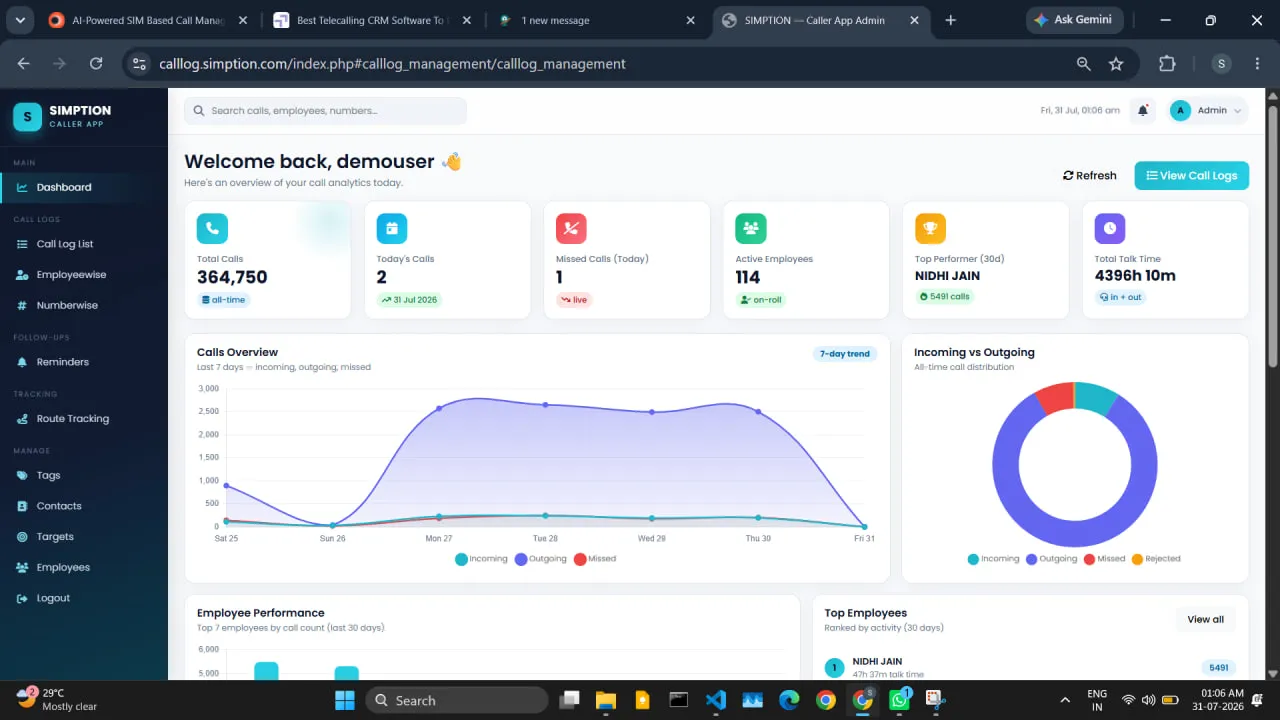
of a single dashboard. Not four products bolted together — four ways of cutting the same call log.
EMPLOYEE-WISE · NUMBER-WISE · RAW LOG · REMINDERS
Sync cadence
About every fifteen minutes, with a force-sync on the handset when someone needs it now.
The same data, four ways
Every rep as a row: calls, connected, talk time, follow-ups due, last sync.
Every customer number as a row: who in the company has called it, how many times, and what was said last.
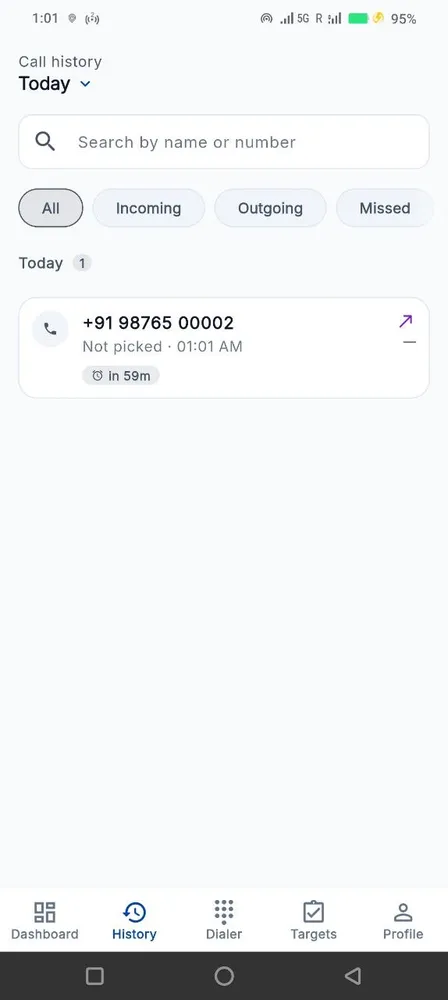
The unaggregated list, filterable seven ways, exactly as it came off the handsets.
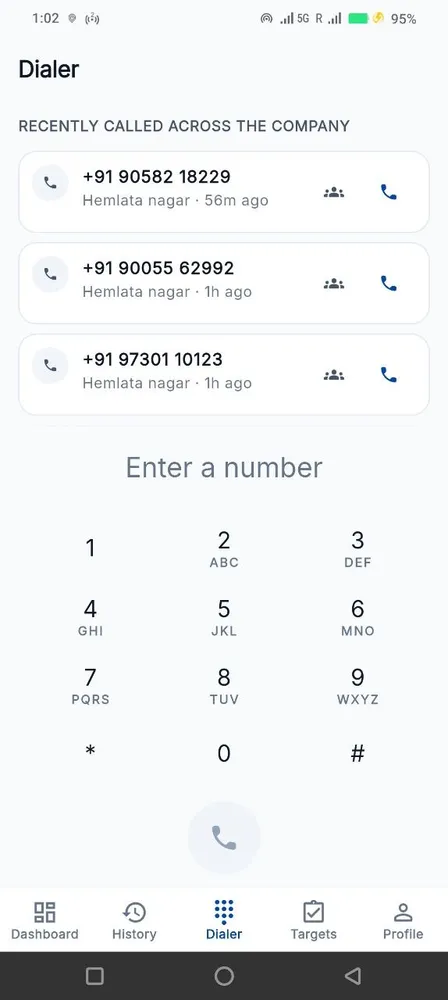
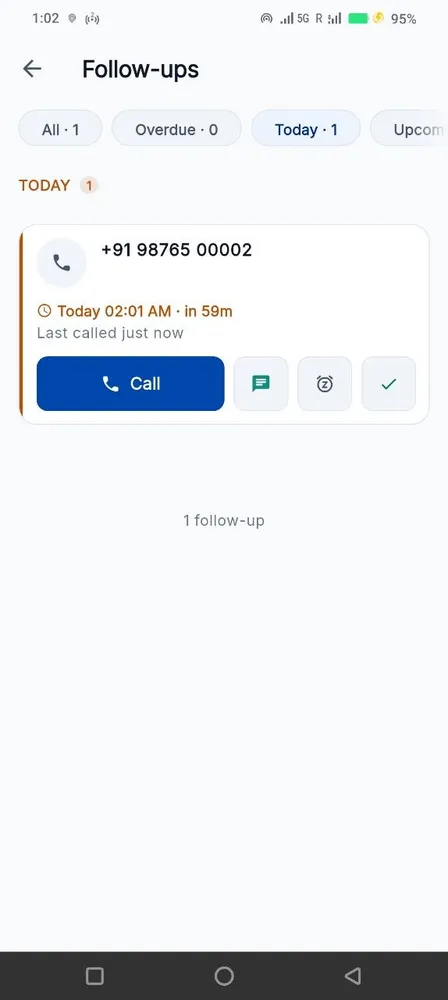
Everything due, overdue and snoozed, across the whole team.
The parts nobody demos, that decide the rollout
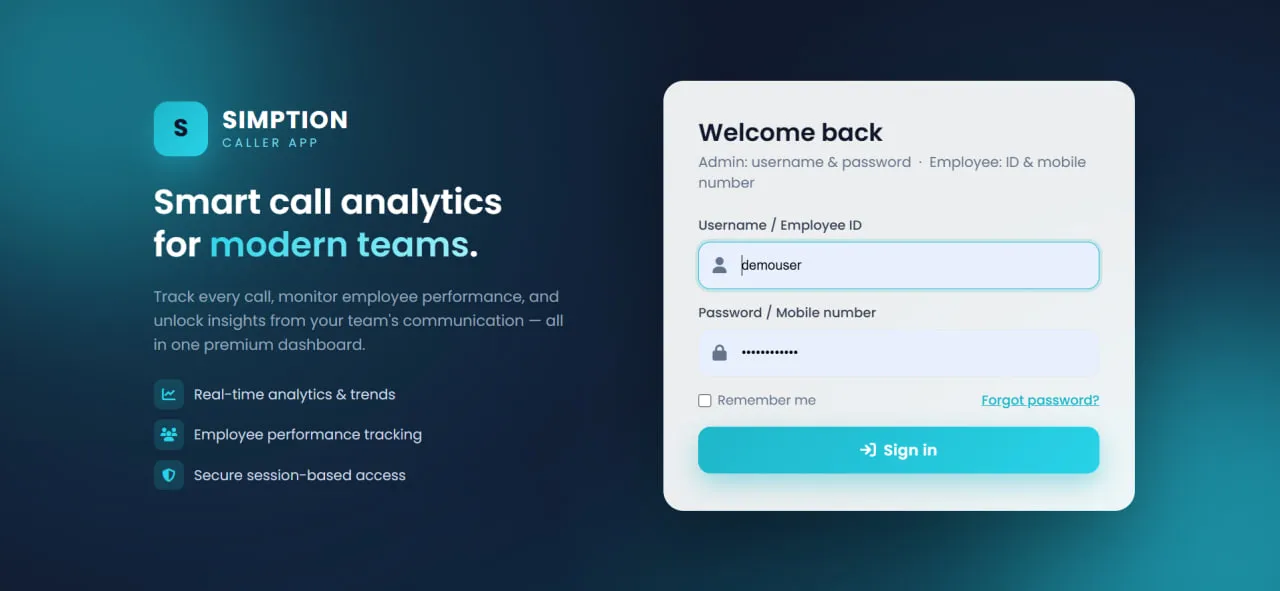
How people sign in
Admins sign in with a username and a password. Team members sign in with an employee ID and their mobile number — no email address anywhere in the flow.
The daily digest, and defensible working hours
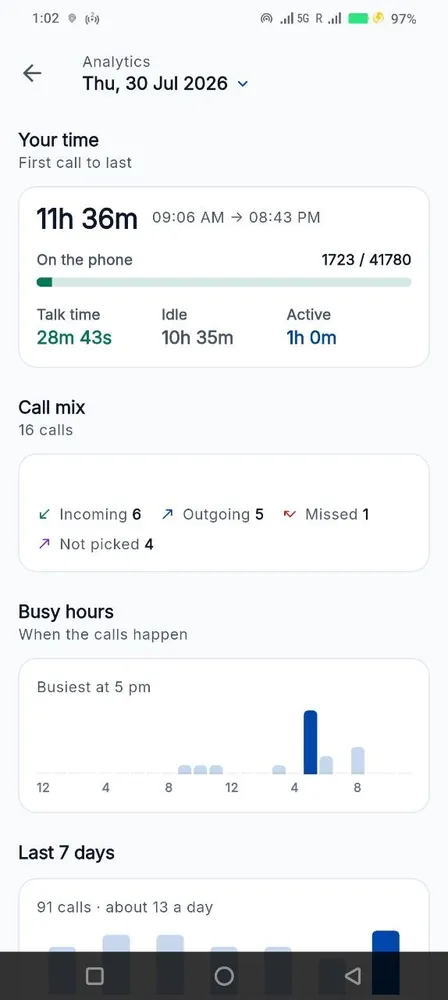
One email a morning with yesterday’s calls, connect rate, follow-ups kept and anything overdue. Working hours are first-activity-to-last minus gaps over thirty minutes — a number you can put in front of the person it describes.
Getting the data out
CSV export on every plan, free, for the whole account or any filtered view. A REST API with issue-and-revoke keys, outbound webhooks and Zapier / Make are available as an add-on at ₹150 per number per month.
ADD-ON · ISSUE AND REVOKE KEYS FROM THE ADMIN PANEL
Built to be fair to your team
Four promises the product keeps whether or not anyone is checking.
We don’t record calls
No audio, ever. The app reads the call log your phone already keeps — number, direction, time, duration. Nothing is listened to.
Personal calls stay personal
A rep excludes any number themselves, on their own phone. The exclusion list never leaves the handset and nobody is told which numbers are on it.
Location only during work hours
On the Field plan, the route trail runs inside the window you configure and stops outside it. Not a setting an administrator can quietly switch off.
Your data is yours
Export the whole thing to CSV any time. Cancel and we keep it 30 days, then delete it — including the backups.
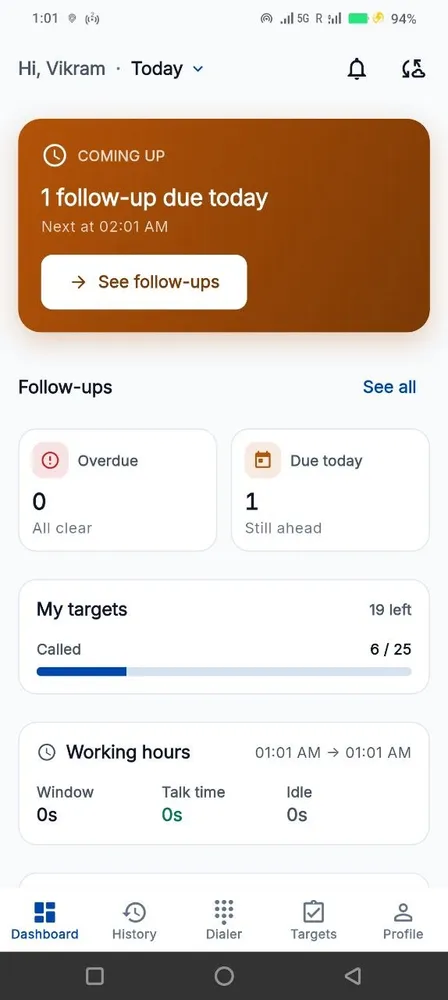
Built for the phones your team already has

per number per month · minimum 5 numbers
EXCLUDING GST · 3, 6 OR 12-MONTH TERMS
Three plans. Track at ₹149, Pro at ₹249, Field at ₹449 — per number, per month. No setup fee on Track and Pro.
Questions people actually ask
How small a team can use this?
Five numbers is the minimum, on any plan. There is no upper limit, and volume pricing starts at twenty-five.
What happens if we add someone mid-cycle?
Additions are charged pro-rata to the end of the current term. Removals are free and take effect immediately; reassigning a freed seat to a new joiner costs nothing.
What roles are there?
Owner, manager and viewer, plus per-page permissions on top — so a viewer who should not see the field map simply does not have that page.
Do team members really not need an email address?
Correct. Employee ID plus mobile number. The admin account needs one for password recovery; nobody else does.
How current is the dashboard?
Handsets sync about every fifteen minutes. A rep can force a sync from the app, and the Sync Health view tells you which handsets have gone quiet rather than showing a rep with no calls.
What happens to the data when someone leaves?
Deactivate them. Their call history and notes stay with the company, the number can be reassigned to whoever takes over, and their access ends the same minute.
Something else? WhatsApp us — usually a reply in under an hour.
Start with 5 numbers, free for 15 days
No credit card. Android 8.0+. Set up in an afternoon.