Follow-up Reminders That Actually Fire
On an Android phone, a reminder is not a promise — it is a request the operating system can quietly refuse. This is the page about making sure it doesn’t.
FREE FOR 5 NUMBERS · NO CREDIT CARD · ANDROID 8.0+
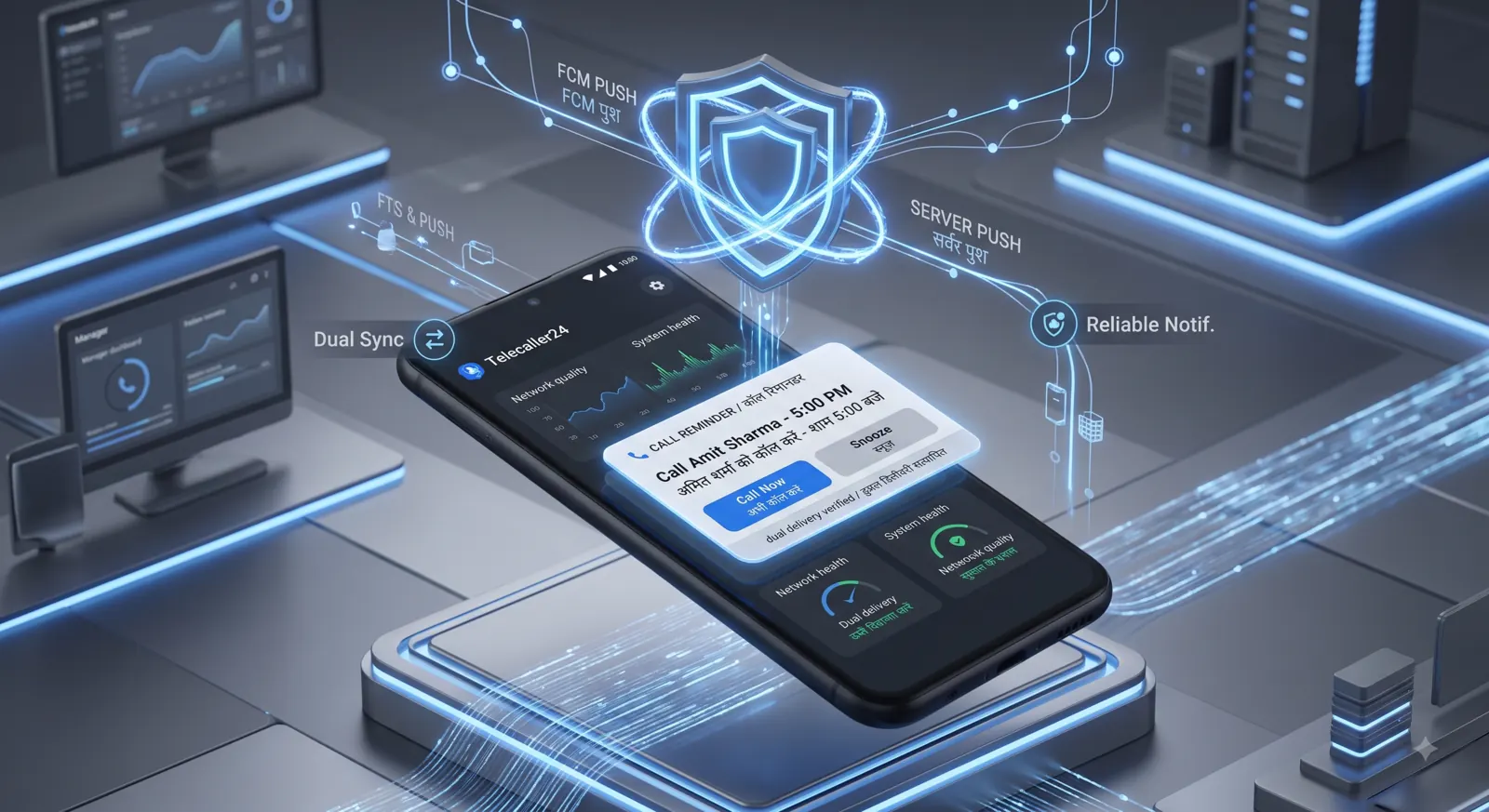
delivery channels, fired twice — five minutes before, and again on time.
A LOCAL OS ALARM AND A SERVER PUSH, IN PARALLEL
Plan availability
Reminders, dual delivery and the Reminder Health Check are on Pro and Field.
The failure nobody warns you about
Android battery optimisation silently kills background apps. The reminder never arrives. Nothing crashes, no error appears, and there is nothing in the app to look at afterwards.
What the rep experiences
They set the follow-up. Two days later nothing happens. They assume they forgot.
What the manager experiences
A missed callback with a note attached saying the rep set a reminder. Somebody is blamed for a setting neither of them has heard of.
This is the single most common reason sales apps get uninstalled — not the price, not the interface. The reminders stop arriving and the team stops believing the tool.
Three layers, so one failure isn’t total
Each layer works on its own. Together they mean a reminder has to fail three different ways before a customer is forgotten.
Scheduled with the OS exact-alarm API. It fires with no network, with the app swiped away, and on a phone that has been in a pocket all afternoon.
The same reminder leaves our server independently. If the handset’s alarm was killed, the push still lands. If the phone is offline, the alarm already fired.
Seven checks run against this specific phone — notification permission, heads-up banners, exact alarms, battery optimisation, manufacturer autostart, sound and Do Not Disturb — and each failure deep-links to the exact settings screen that is blocking it. Where Android will not answer, it reports “can’t tell” as a warning rather than a false pass.
What it looks like on the phone
The after-call card — four seconds
The call ends and a card holds for ten seconds. Tap a status, type a note if there is one, set the follow-up. Then it is gone. That is the entire data-entry burden of this product, and it is a toggle if you don’t want it.
- 0.0s
- Call ends, card appears
- 1.5s
- Tap “Interested”
- 3.0s
- Pick a follow-up date
- 4.0s
- Done — back to the dialer
Overdue first, always
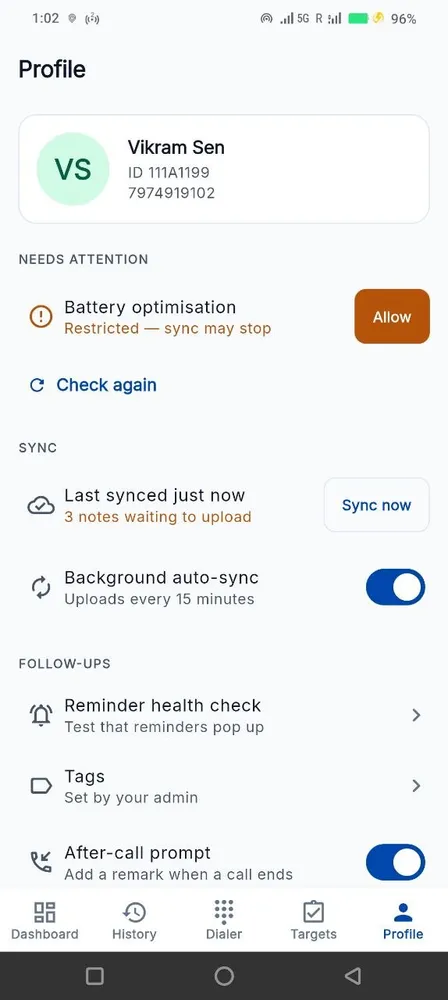
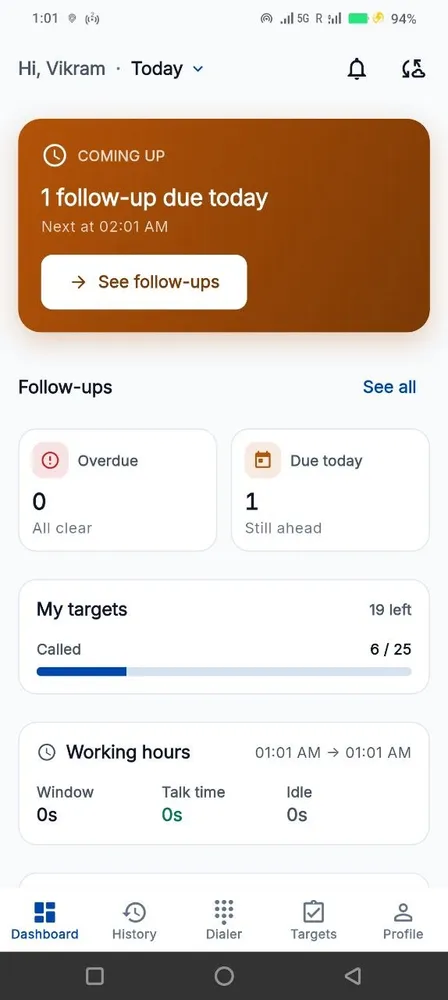
The rep’s dashboard opens on what is late, not on what is pretty. Overdue, then today, then this week. A snooze is allowed and is recorded — deliberately visible, because a follow-up snoozed four times is a lead going cold.
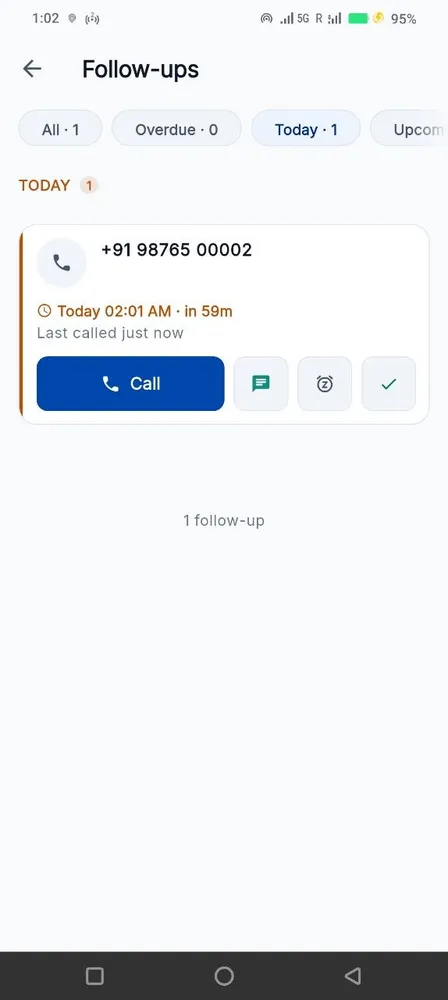
The Health Check and the sync panel
Seven checks, each with the exact fix. Beside it, a sync panel showing the pending-upload count and the last successful sync, so a quiet rep can be told apart from a dead handset.
Built to be fair to your team
Four promises the product keeps whether or not anyone is checking.
We don’t record calls
No audio, ever. The app reads the call log your phone already keeps — number, direction, time, duration. Nothing is listened to.
Personal calls stay personal
A rep excludes any number themselves, on their own phone. The exclusion list never leaves the handset and nobody is told which numbers are on it.
Location only during work hours
On the Field plan, the route trail runs inside the window you configure and stops outside it. Not a setting an administrator can quietly switch off.
Your data is yours
Export the whole thing to CSV any time. Cancel and we keep it 30 days, then delete it — including the backups.
Built for the phones your team already has

per number per month · minimum 5 numbers
EXCLUDING GST · 3, 6 OR 12-MONTH TERMS
Three plans. Track at ₹149, Pro at ₹249, Field at ₹449 — per number, per month. No setup fee on Track and Pro.
Questions people actually ask
Why doesn’t every app do this?
Because the failure is invisible from the vendor’s side. The server sent the push, so the dashboard says delivered. Nobody finds out until a rep is blamed for a callback they genuinely set.
Does the rep have to change phone settings?
Sometimes, on aggressive manufacturer builds. The difference is that the app tells them exactly which setting and opens it for them, rather than leaving it to a support ticket three weeks later.
What if the rep force-closes the app?
The local alarm is registered with the operating system, not held by the app process, so it still fires. The server push is independent of the handset entirely.
Can a manager see who is letting follow-ups slip?
Yes — follow-ups kept against follow-ups set, per person, and it feeds the monthly scorecard. It is the same measure for everyone, which is the point.
Can reminders be snoozed?
Yes, and the snooze is recorded. That is deliberate: a reminder pushed four times is worth a conversation, and hiding it would make the numbers dishonest.
Which plan includes this?
Reminders with dual delivery and the Reminder Health Check are on Pro (₹249 per number per month) and Field (₹449). Track does not include them.
Something else? WhatsApp us — usually a reply in under an hour.
Start with 5 numbers, free for 15 days
No credit card. Android 8.0+. Set up in an afternoon.